![Novata_Logo_01_primary-2.png]](https://knowledge.novata.com/hs-fs/hubfs/Novata_Logo_01_primary-2.png?height=50&name=Novata_Logo_01_primary-2.png)
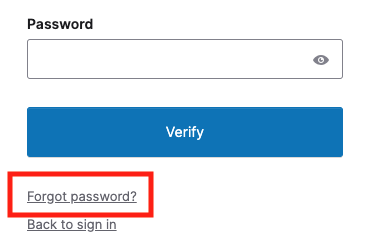
You can reset your password on the platform's login page. The link can be accessed here. Below the sign-in button, click “Forgot password?” to reset your password or username.
You'll be prompted to send a reset password link to your email. If you do not receive an email within 15 minutes, reach out to support@novata.com.
If you're unable to reset your password, it may be for one of these reasons:
- Check your spam or junk folder for an email from Novata.
- You haven't been added to Novata by your organization yet. Reach out to your team member so they can add you:
- Investor or Data Requesting Users: [Your Organization's name] > Users in my Organization > Invite new users
- Portfolio or Data Provider Users: My Organization > Manage Team > Invite users